Send email from any Notion record.
Replies come back automatically.
Every conversation lives where your data already is. No forwarding, no copy-pasting, no lost threads.
How email in Notion works
Click compose on a record
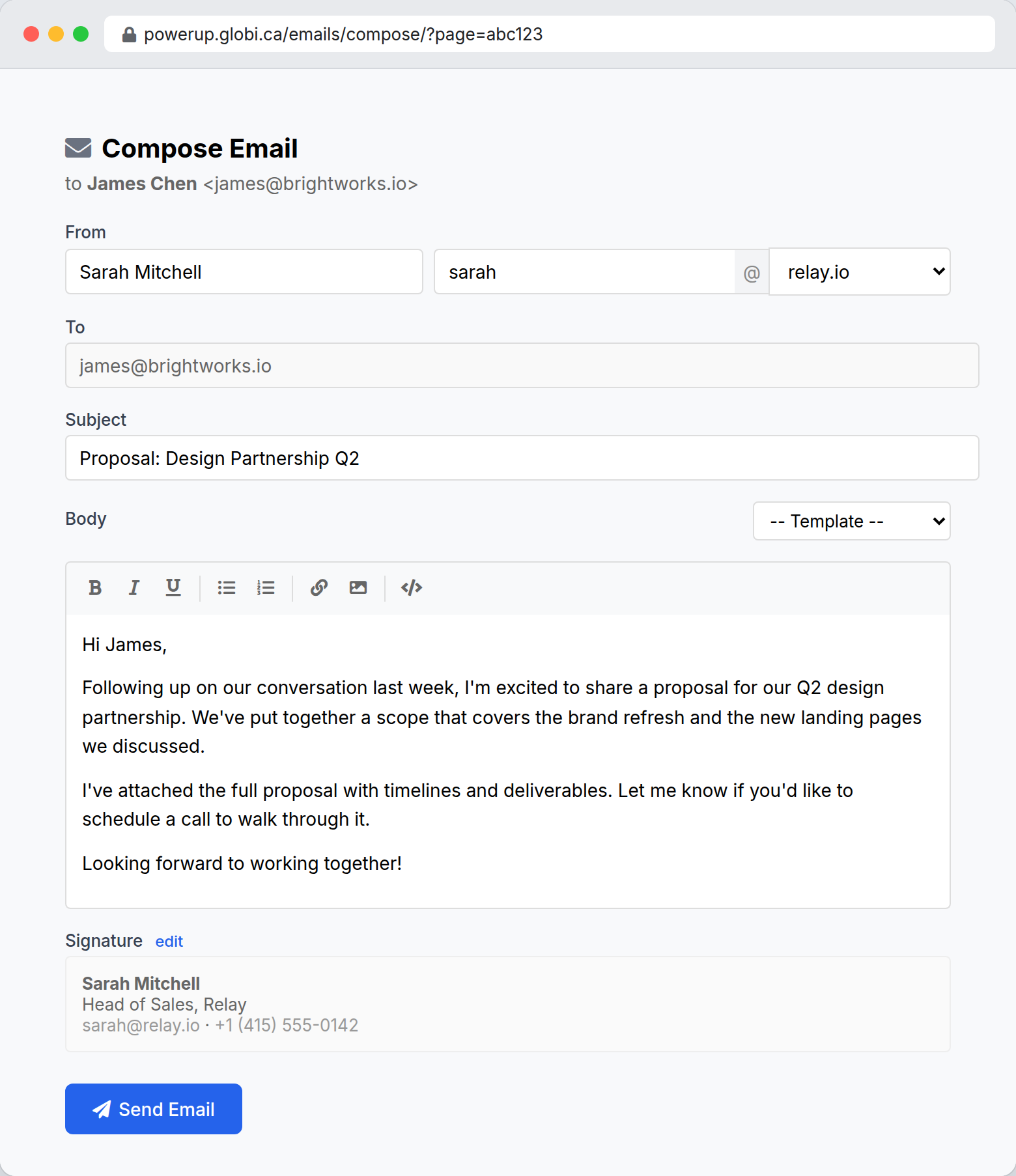
Every database record gets a compose link. Click it to open the email window pre-filled with the contact’s address.
Write and send
Compose your email with a rich text editor. Use templates and merge fields for personalization. Hit send.
Replies route back
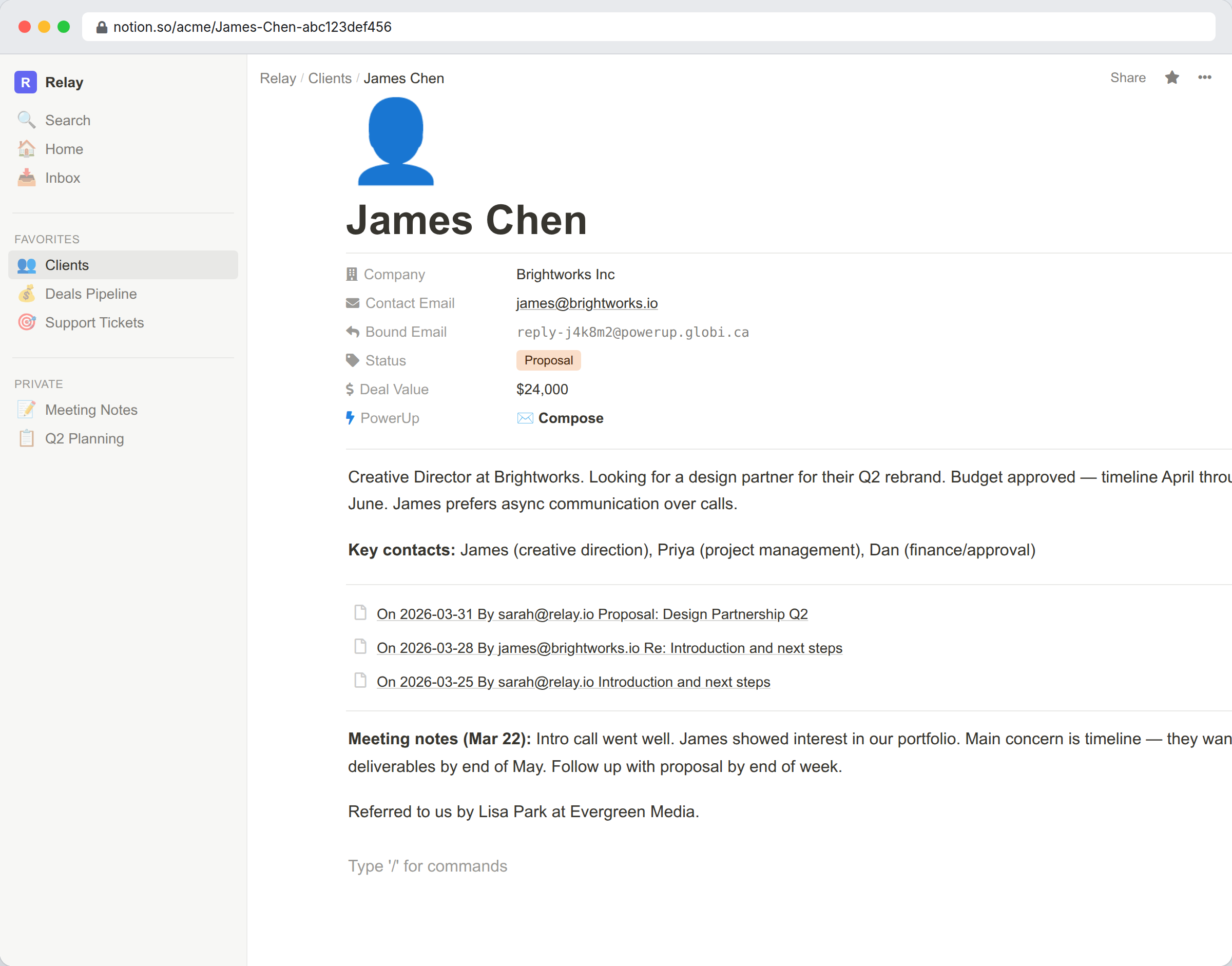
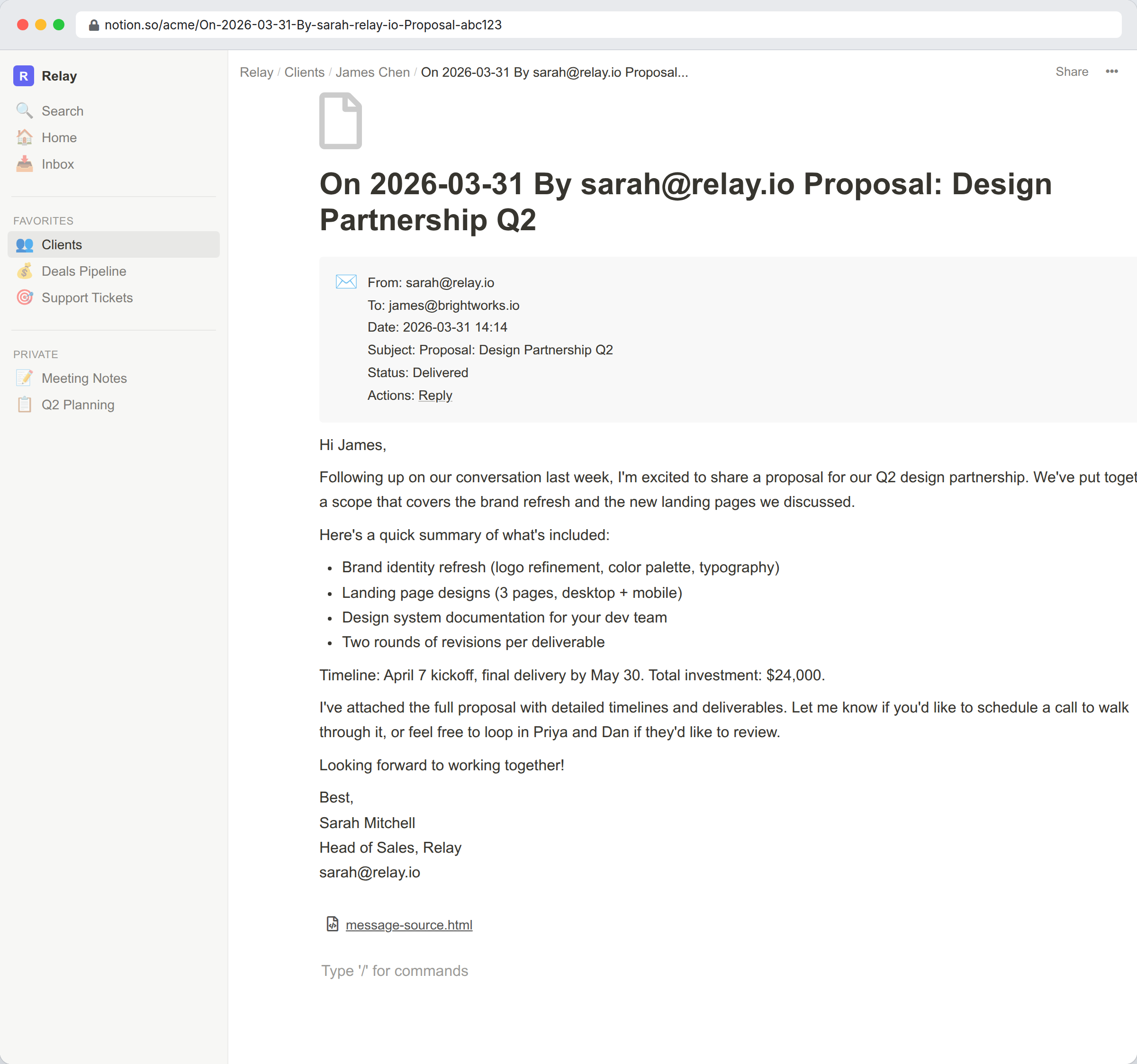
When the recipient replies, the email is routed back to the same Notion record and stored as a sub-page. Your team sees the full thread.
Compose from any record
PowerUp adds a compose link to every record in your Notion database. Click it and an email window opens pre-filled with the contact’s address. Write your email, pick a template if you want, and send.
You don’t need to leave Notion or remember anyone’s email address. The compose link is always there, on every record, for every database you connect.
Replies come back to the right record
Every email you send from PowerUp has a unique reply address. When the recipient replies, the email is matched to the original record and stored as a sub-page with the full message content.
Your team sees the same conversation history. No private inboxes, no “can you forward me that email?”, no lost threads.
Your domain, your brand
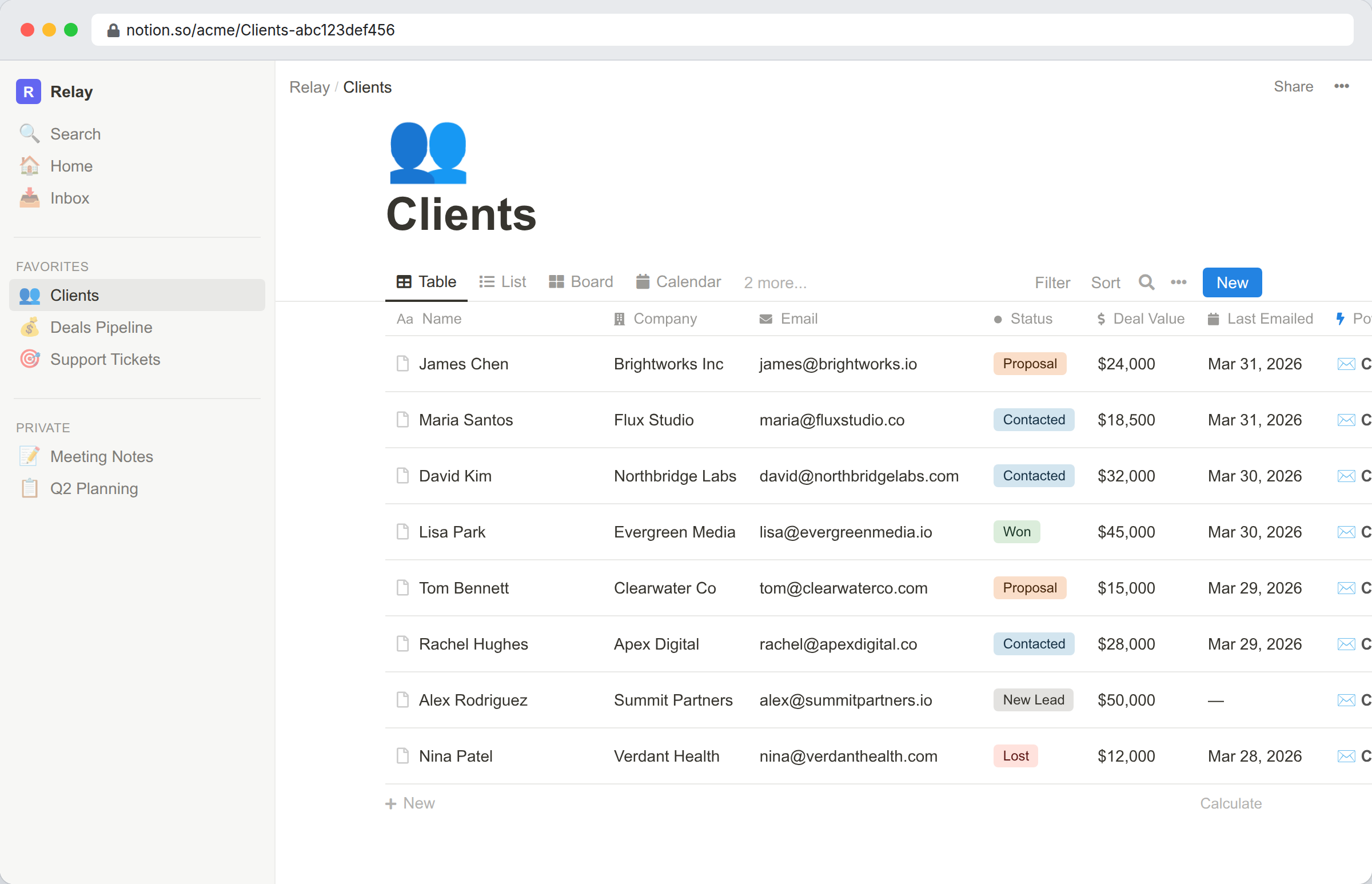
Send from your own email address with full DKIM and SPF authentication. Add your sending domain, verify DNS records, and you’re ready. Recipients see professional email from your brand, not from a third-party service.
- DKIM signing for deliverability and trust
- SPF alignment to prevent spoofing flags
- Custom sender name per user
- Multiple domains supported per account
Know when emails are opened and clicked
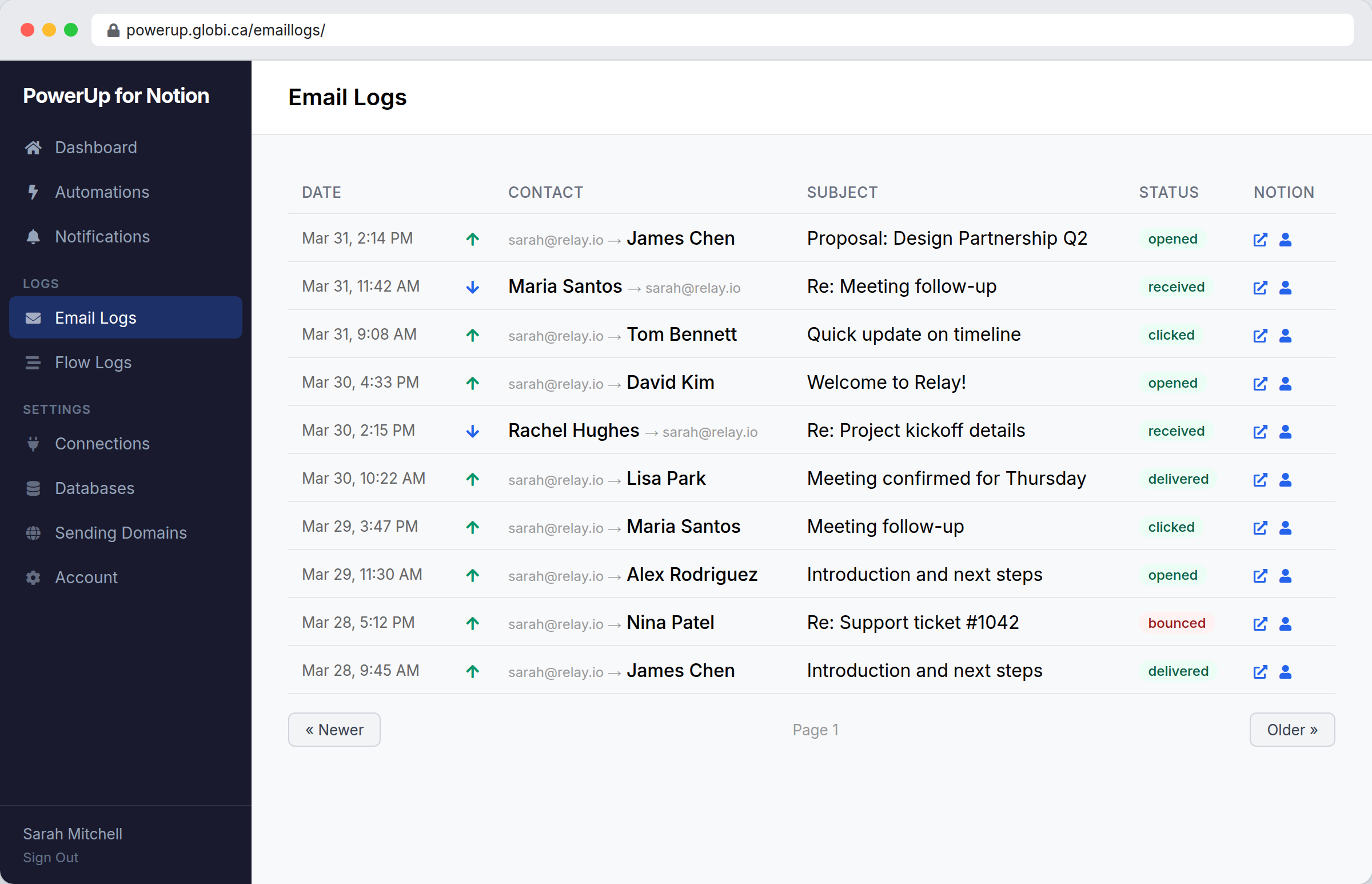
Every email you send is tracked. See when it was opened, which links were clicked, and whether it bounced — all from a single log view with links back to the Notion record.
- Open tracking (pixel-based, per-recipient)
- Click tracking with original URLs preserved
- Bounce and spam complaint handling
- Delivery status per message (sent, delivered, opened, clicked)
Templates and merge fields
Create reusable email templates for common messages — welcome emails, follow-ups, proposals. Use merge fields to personalize each email with data from the Notion record: name, company, deal value, or any property.
Select a template from the dropdown, and the body fills in with your content and the recipient’s details already merged.
Everything stored in Notion
Emails are stored as sub-pages under each record in your Notion database. The subject, body, date, and direction (sent or received) are all preserved. Notion is the system of record — nothing is locked inside PowerUp.
If you disconnect PowerUp, your email history stays in your workspace as regular Notion pages.
How teams use Email in Notion
Sales outreach
Send proposals and follow-ups directly from your CRM database. Track opens to know when to call. Welcome emails go out automatically when new leads arrive.
Customer support
Reply to support tickets without leaving Notion. The full conversation thread stays attached to the ticket record. Your team always has context.
Client onboarding
Trigger a welcome sequence when a new client is added. Send setup instructions, schedule kickoff meetings, and track which emails they’ve opened.
Invoice follow-ups
Send payment reminders from your invoicing database. Track delivery and opens so you know the email was received. Automate follow-ups if no response.
Frequently asked questions
Start sending email from Notion
Connect your workspace and send your first email in minutes. 14-day free trial.
Start Free Trial